


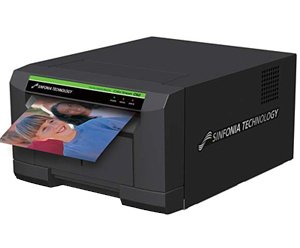
Did the photobooth print at first and now suddenly it doesn't anymore?
First, check your printer.
If you have a Sinfonia or DNP printer, only a green light should be on. If there are red and/or orange lights, there is something wrong with the paper and ink.
If you have a Hiti printer, the status message should read 'Printer ready'. 'Ribbon out' or 'Paper out' means that the paper and ink are finished, and you need to replace them. 'Paper jam' indicates something is stuck in the printer.
Above, you will find instructions for each printer on how to replace paper and ink, follow the steps in the video.
If it's not finished but crumpled, shifted, or otherwise not properly placed, you can fix it according to the same video and use the paper and ink already in the printer.
Done? Error resolved?
Then try printing again. If printing still doesn't work, follow the next point in the frequently asked questions.